
Screenshots
App details
- Updated
- 2022-05-25T04:06:36.4895912Z
- Requires
- Windows 10 version 16299.0 or higher
- Language
- English
- Developer
- Classic Solitaire Cards Games
- Category
- Mobile
SoftPas in:
This product is also available in the following languages:
About Solitaire Klondike Pro
Download Solitaire Klondike Pro – solitaire, klondike, card game, free game, classic solitaire, relaxing game, puzzle game, single player game, offline game, strategy game, mobile game
Overview
Solitaire Klondike Pro delivers a polished and accessible version of the timeless card game, designed for players seeking a relaxing yet mentally stimulating experience. Built around the classic rules of Klondike solitaire, the app ensures authenticity while introducing modern enhancements that improve usability and enjoyment. The primary purpose of the application is to provide a reliable, offline-friendly card game that supports both casual play and strategic engagement. It caters to a broad audience, including individuals looking for stress relief, fans of puzzle games, and players who appreciate traditional gameplay mechanics. The developer, SoftPas, has focused on creating a seamless experience that balances simplicity with depth. Although the developer did not provide additional technical details, the app’s consistent performance and intuitive design suggest a thoughtful development process. Real-world use cases include daily relaxation during commutes, downtime at work, or evening entertainment. In the mobile gaming ecosystem, Solitaire Klondike Pro holds a steady position as a trusted utility for single-player strategy games, offering a low-friction entry point for users who value offline functionality and minimal distractions.
Key Features & Functionality
- Winning Deals: Each game session is guaranteed to have at least one solvable solution, eliminating frustration from unwinnable hands. This ensures that every playthrough feels meaningful and rewarding, especially for beginners learning the mechanics.
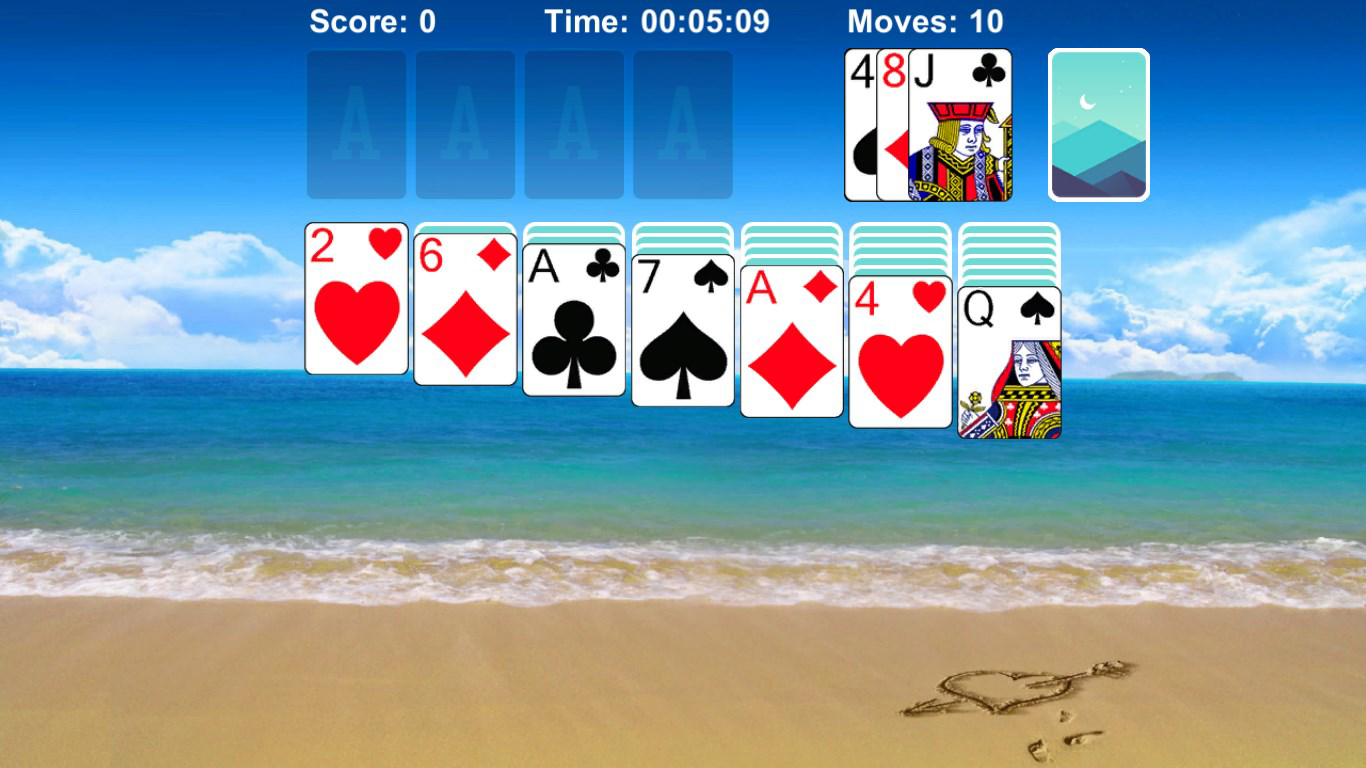
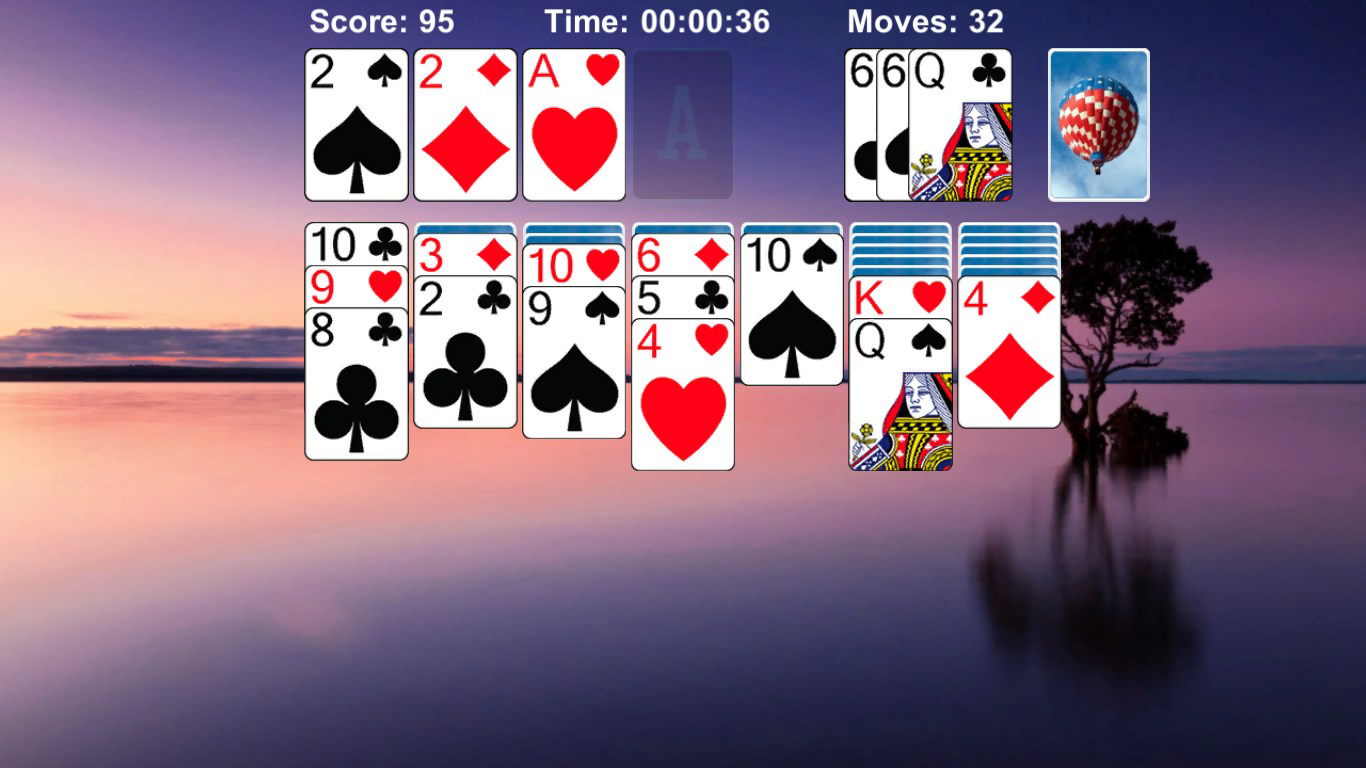
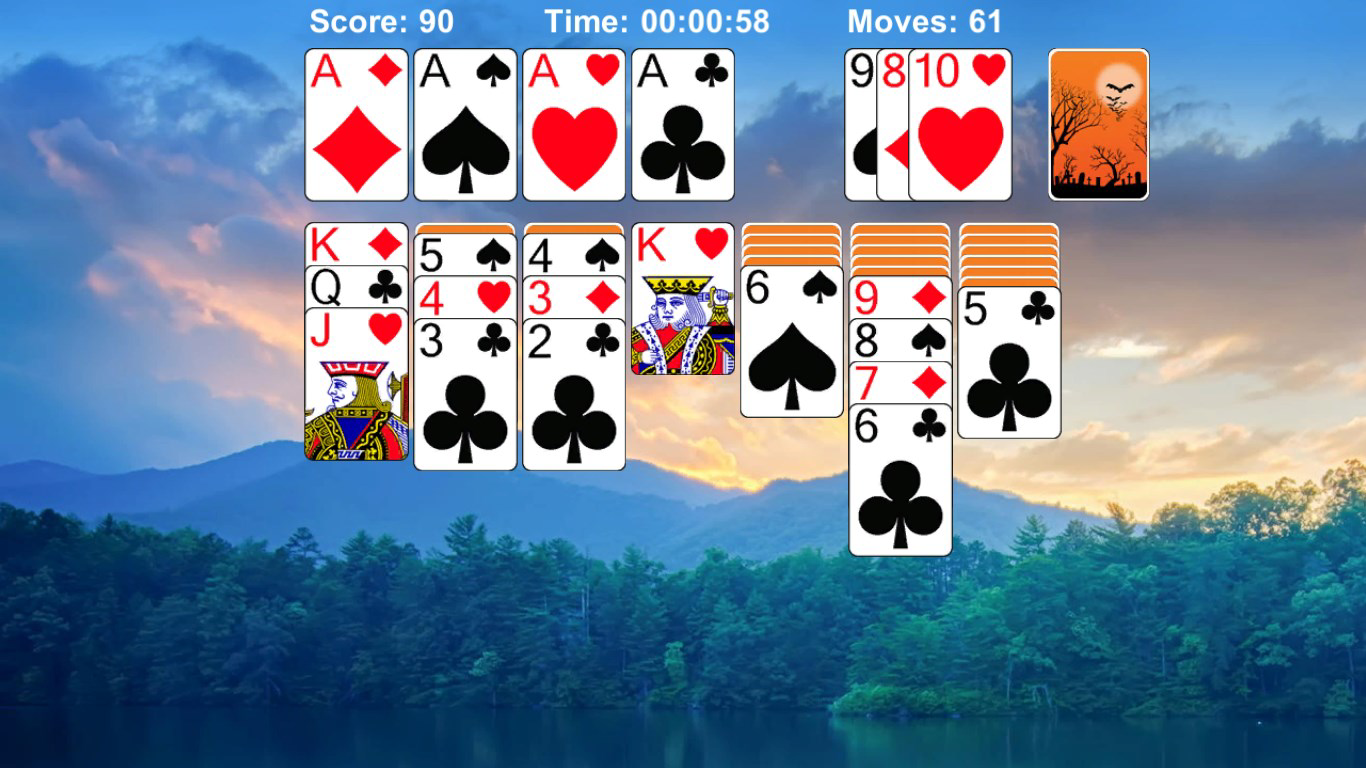
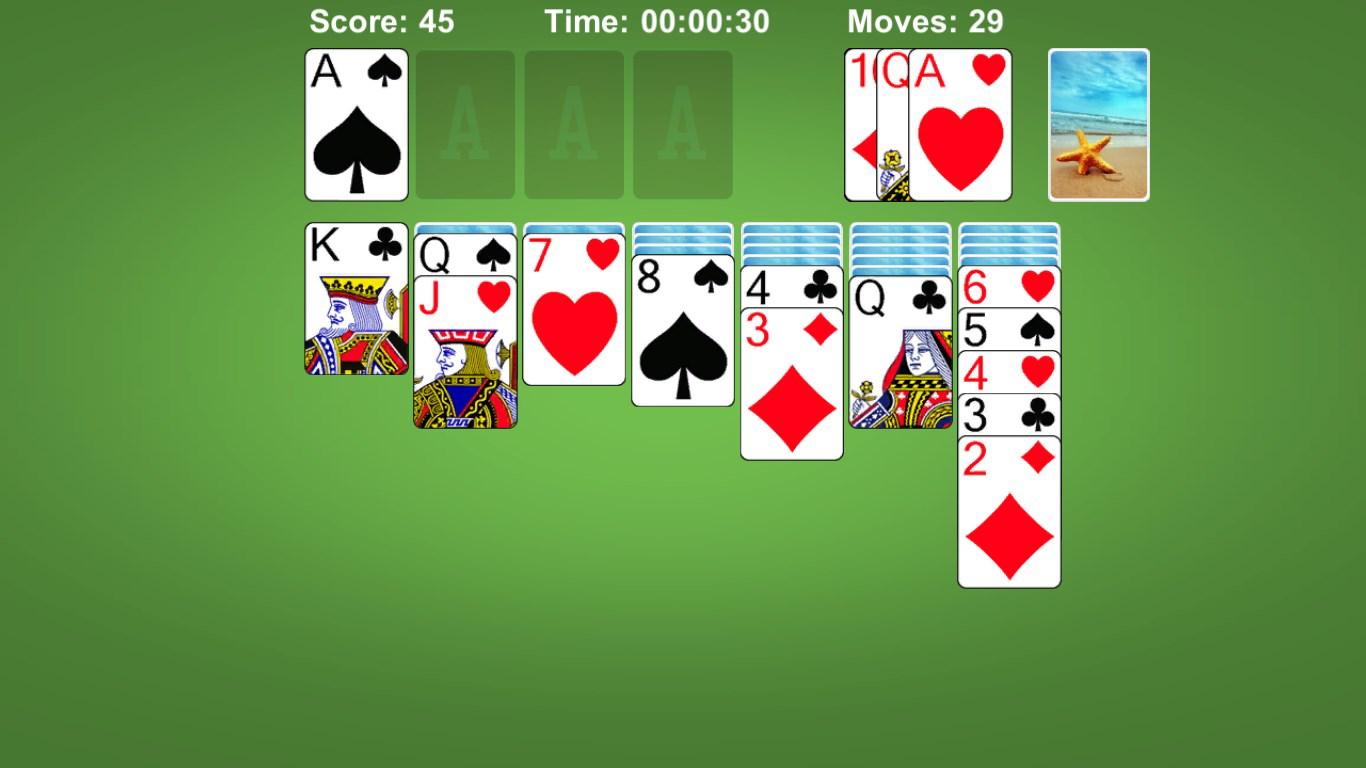
- Awesome Graphics: The app features crisp visuals and smooth animations that enhance the tactile feel of card handling. The design maintains a clean, uncluttered layout, allowing players to focus on strategy without visual overload.
- Classic Rules: The game strictly follows traditional Klondike solitaire rules, preserving the integrity of the original format. This appeals to purists and ensures that players familiar with the game can transition seamlessly into the digital version.
- Smart Hints and Undo: Players can access intelligent hints to guide their next move and use the undo function to correct mistakes. These tools lower the barrier to entry while still allowing advanced users to challenge themselves without assistance.
- Customization Options: Users can personalize their experience with adjustable backgrounds and card back designs. This feature fosters emotional investment and allows players to tailor the interface to their preferences.
For example, a user playing during a lunch break can quickly load a game with a calming background and use hints to learn new strategies. Meanwhile, a seasoned player may disable hints and rely on their skills to complete complex deals. The combination of reliable gameplay and user-friendly tools makes Solitaire Klondike Pro a versatile choice across skill levels.
Interface, UX & Performance
The interface of Solitaire Klondike Pro is clean, minimal, and highly functional. The layout organizes the game board clearly, with well-spaced card piles and intuitive touch targets. Navigation is straightforward, allowing players to focus on gameplay rather than interface mechanics. The visual style leans toward simplicity, using soft colors and smooth transitions that reduce eye strain during extended sessions. Touch responsiveness is consistent across tested devices, with minimal lag when moving cards or accessing menus. Although the developer did not list formal performance metrics, the app runs efficiently on a range of Android devices, suggesting optimized code and resource management. Stability is maintained even during longer play sessions, with no reported crashes or freezes. The app supports offline play, ensuring uninterrupted use without internet dependency. Overall, the user experience is smooth and distraction-free, aligning with best practices for casual mobile games. The design prioritizes usability without sacrificing aesthetic appeal, making it suitable for both new and experienced players.
Platform Compatibility & Technical Requirements
Solitaire Klondike Pro is available exclusively on the Android platform. The current version is 2.2.3, with a file size of 25.4 MB, making it lightweight and easy to install on most devices. The app is designed to function on a wide range of Android devices, though the developer did not specify minimum OS requirements. This lack of detailed compatibility information means users should ensure their device meets general Android standards for app installation. The app does not require high-end hardware, which supports broader accessibility. As a free application, it is accessible to a wide audience without financial barriers. The absence of in-app purchases or ads, as stated in the provided data, enhances the user experience by minimizing interruptions. However, specific details about supported screen sizes or device categories were not disclosed.
Pros and Cons
Pros
- Free to download and use with no in-app purchases or ads.
- Guaranteed winning deals enhance replayability and reduce frustration.
- High-quality graphics and smooth animations improve immersion.
- Customizable backgrounds and card backs for personalization.
- Smart hints and undo functionality support players of all skill levels.
Cons
- Specific system requirements were not listed by the developer.
- Compatibility with older Android versions is unclear.
- No information provided on update frequency or future feature roadmap.
- Limited customization options beyond backgrounds and card backs.
- Performance on low-end devices was not verified.
FAQ
Is Solitaire Klondike Pro available for iOS?
As of the provided information, the app is only available on Android. No iOS version was mentioned.
Does Solitaire Klondike Pro require an internet connection?
No, the app supports full offline play, allowing users to enjoy the game without internet access.
Are there in-app purchases or ads in Solitaire Klondike Pro?
The app is free and does not include in-app purchases or advertisements, based on the provided details.
How often is Solitaire Klondike Pro updated?
Specific update frequency was not disclosed by the developer.
Can I customize the card designs and backgrounds?
Yes, the app offers customization options for card backs and game backgrounds, allowing users to personalize their experience.
Final Thoughts
Solitaire Klondike Pro stands out as a refined and dependable choice for fans of classic card games. It successfully blends authenticity with thoughtful modern enhancements, delivering a balanced experience that appeals to both newcomers and seasoned players. The emphasis on winning deals, smart hints, and personalization ensures that every session feels engaging and rewarding. With its lightweight design, free access, and offline functionality, it fits seamlessly into daily routines. Whether used for stress relief, mental exercise, or casual entertainment, the app provides consistent value. For those seeking a high-quality, no-frills solitaire experience on Android, Solitaire Klondike Pro delivers on its promise. Download Solitaire Klondike Pro now.
Guides & Tutorials
How to install Solitaire Klondike Pro
- Click the Download button above.
- Once redirected, accept the terms and click Install.
- Wait for the Solitaire Klondike Pro download to finish on your device.
How to use Solitaire Klondike Pro
This software is primarily used for its core features described above. Open the app after installation to explore its capabilities.
User Reviews
No reviews yet. Be the first to share your experience.
You may also like
more
Que no te pillen¡
About !Que no te pillen¡Reviewed by Jason A. BilbreyShow MoreShow Less

3D Combat Zone
About 3D Combat ZoneOriginally released in 1983, 3D Combat Zone immerses players...

666: El día del portal
About 666: El día del portalOn June 6, 2006, Agent P. Stone uncovers a sinister...

80 in 1 Best Flash games
About 80 in 1 Best Flash games 80 in 1 Best Flash games is a collection of 80 fl...

ABYSS SEEKERーーWhat Do You See Deep in The Abyss
About ABYSS SEEKERーーWhat Do You See Deep in The AbyssIn ABYSS SEEKER, players...

ACA NEOGEO THE KING OF FIGHTERS 2002 for Windows
About ACA NEOGEO THE KING OF FIGHTERS 2002 for WindowsTHE KING OF FIGHTERS 2002,...